
✦ DIGITAL MARKETING
How to Improve Your Website’s SEO Without Hiring an Agency
How to Improve Your Website’s SEO Without Hiring an Agency
You don’t always need to hire an SEO agency to improve website SEO. With a few practical changes, you can make your website easier for search engines to understand, improve its visibility, and attract the right audience.
- 17 August 2026
- Aswani Soman

Simple SEO Improvements You Can Make Yourself
You don’t always need to hire an SEO agency to start improving your website’s visibility on Google.
If you run a small business or manage your own website, there are several SEO improvements you can make yourself. You don’t need to understand every technical detail of search engine optimization. Start with the basics, stay consistent, and focus on making your website genuinely useful to your visitors.
SEO is not about adding a keyword to every sentence or trying to trick Google into ranking your website. It is about helping search engines understand your website while giving visitors the information and experience they are looking for.
In this guide, we’ll look at practical ways to improve your website’s SEO without hiring an agency.
Start With the Right Keywords
Before changing your website, think about what your potential customers are actually searching for.
For example, if you provide digital marketing services in Calicut, your audience might search for:
- Digital marketing strategist in Calicut
- SEO services in Calicut
- Digital marketing consultant
- Website SEO tips
- Local SEO services
There’s no need to focus on hundreds of keywords. Begin with a handful of relevant terms that describe what you offer and what your customers are looking for.
Think about the questions your customers ask you, the problems they are trying to solve, and the services they are looking for.
Most importantly, don’t force keywords into your content. Use them naturally and make sure the page still sounds like it was written for people.
Improve Your Page Titles
Your page title gives both visitors and search engines an idea of what a page is about.
Avoid vague titles such as:
Home | My Website
Instead, make the title descriptive and relevant.
For example:
Digital Marketing Strategist in Calicut | Aswani Soman
For a blog post, the title should clearly communicate what the reader will learn.
A good title doesn’t need to contain every possible keyword. One clear, relevant topic is usually better than a title that feels overloaded with keywords.
Use a Clear Heading Structure
Your content should be easy to scan.
Use one H1 for the main page or article title. Then use H2 headings for your main sections. If a particular section needs smaller subsections, you can use H3 headings.
For example:
H1: How to Improve Your Website’s SEO Without Hiring an Agency
H2: Start With the Right Keywords
H2: Improve Your Page Titles
H2: Create Helpful Content
H3: Answer Real Customer Questions
You don’t need H3, H4, or H5 headings everywhere. Use them only when they genuinely help organize your content.
Create Helpful Content
One of the best things you can do for your website is publish content that answers real questions.
Think about what your customers want to know.
They might ask:
- How can I improve my Google ranking?
- Is SEO important for a small business?
- How much does SEO cost?
- How can I get more visitors to my website?
These questions can become useful blog topics.
Instead of creating content just because a keyword has search volume, focus on solving a problem. Explain the topic clearly, provide practical examples, and avoid filling the article with information that doesn’t help the reader.
Your goal should be simple: when someone finishes reading your article, they should feel that they actually learned something useful.
Update Your Existing Content
SEO isn’t only about creating new blog posts.
Take some time to review the pages and articles you already have.
Ask yourself:
- Is the information still accurate?
- Are the examples outdated?
- Are any links broken?
- Could the introduction be clearer?
- Are the headings easy to follow?
- Can I answer the reader’s question better?
For example, if you’ve already written an article about SEO and Google Ads, you can update it when there are meaningful changes and connect it to your newer content.
Updating useful content can also help you keep your website fresh and more valuable to returning visitors.
Add Relevant Internal Links
Internal links connect one page of your website to another.
For example, while discussing SEO strategies, you can naturally link to your article SEO vs Google Ads: Which One Is Better for Your Business in 2026?
You could also link to How to Choose the Right Digital Marketing Strategist in Calicut when discussing digital marketing strategy or getting professional guidance.
Use descriptive anchor text instead of generic phrases such as “click here.”
Internal links help visitors discover related information and make it easier to navigate your website.
As you publish more articles, you can gradually build connections between related topics.
Optimize Your Images
Images can make your blog more engaging, but large or poorly optimized images can also affect your website experience.
Before uploading an image, use a descriptive filename.
Instead of:
IMG_2847.jpg
use something like:
website-seo-tips.jpg
Also add meaningful alt text that describes the image.
For example:
Alt text: Website SEO checklist for small businesses
Don’t use alt text to repeat keywords unnecessarily. Describe the image accurately.
You should also compress large images and use an appropriate file format so they don’t unnecessarily slow down your page.
Small but consistent improvements can gradually improve website SEO and strengthen your online visibility.
Make Your Website Mobile-Friendly
Your website should work properly on phones, tablets, and desktops.
Open your website on your phone and check it yourself.
Look for:
- Text that is difficult to read
- Buttons that are too small
- Images going outside the screen
- Menus that are difficult to use
- Sections with too much empty space
- Pages that take too long to load
You don’t need a complicated design. A clean and responsive website that is easy to navigate can provide a much better experience.
Use Google Search Console
If you haven’t connected your website to Google Search Console, consider setting it up.
Google Search Console is a free tool that helps website owners understand how their pages perform in Google Search. You can use it to see search queries, clicks, impressions, indexing information, and other useful data.
Once your website starts collecting data, look for patterns.
For example, you might find that one of your pages gets many impressions but very few clicks. That could be a reason to review the page title and description.
You can also see which search queries are bringing visitors to your website and use that information to improve existing content or plan future articles.
Improve Your Meta Title and Description
Your important pages and blog posts should have a clear SEO title and meta description.
For this article, for example:
SEO Title:
How to Improve Your Website’s SEO Without Hiring an Agency
Meta Description:
Learn practical ways to improve your website’s SEO, from keywords and internal links to content, images, mobile usability, and Google Search Console.
Your title and description should accurately represent the page. Avoid repeating the same keyword again and again just to make the page look more optimized.
Build a Related Content Strategy
Instead of publishing completely unrelated topics, create content around subjects that connect with your business.
For example, if SEO is an important part of your services, you could create articles about:
- Website SEO
- Local SEO
- Google Business Profile
- SEO mistakes
- SEO vs Google Ads
- Digital marketing strategies
Then connect these articles with relevant internal links.
This creates a useful content network where someone reading one article can easily discover another article that answers their next question.
Don't Try to Rank for Everything
One common mistake is trying to target too many keywords at once.
You don’t need to rank for hundreds of searches immediately.
Start with topics that are relevant to your business and your target audience.
If you work with small businesses, focus your content on the problems those businesses actually face.
For example, instead of writing a generic article about “Digital Marketing,” you could write about SEO tips for small businesses, how to improve Google visibility, or how to get more customers from your website.
Specific topics often make it easier to create genuinely useful content.
A Simple SEO Checklist
If you’re managing SEO yourself, start with these basics:
☐ Choose a relevant primary keyword
☐ Write a clear SEO title
☐ Use one H1
☐ Structure your content with H2 and H3 headings where appropriate
☐ Create useful, original content
☐ Add relevant internal links
☐ Optimize images and alt text
☐ Make your website mobile-friendly
☐ Improve page speed and usability
☐ Write a useful meta description
☐ Set up Google Search Console
☐ Review your search performance regularly
You don’t have to work on everything at once. Start with the most important pages on your website and make improvements step by step.
Frequently Asked Questions
1. Can I improve my website SEO without an agency?
Yes. Many basic SEO tasks can be handled yourself, including improving titles, headings, content, internal links, images, and website usability. More advanced technical SEO may require additional knowledge.
2. How long does it usually take to see SEO results?
SEO usually takes time, and there is no fixed timeline for every website. Results depend on factors such as competition, website quality, content, authority, and the search terms you’re targeting.
3. Is SEO important for small businesses?
Yes. SEO can help small businesses become more visible when potential customers search online for their products, services, or solutions.
4. Which SEO improvements should I make first?
Start with the basics: clear titles, useful content, proper headings, relevant internal links, mobile usability, optimized images, and Google Search Console.
Final Thoughts
You don’t need an SEO agency to start improving your website.
If you’re willing to learn the basics and consistently work on your website, you can make meaningful improvements yourself. Start with your page titles, headings, content, internal links, images, and mobile experience. Then use Google Search Console to understand what is working and where you can improve.
SEO isn’t about finding a shortcut to the top of Google. It’s about creating a website that is useful, easy to navigate, and relevant to the people you want to reach.
Start small. Fix one thing at a time. Keep creating useful content, review your results, and give your efforts enough time to work.
Want to strengthen your online presence? Let’s create a digital marketing strategy that helps your business reach the right audience and grow.
The best way to improve website SEO is to focus on helpful content, a good user experience, and continuous optimization.
Let's Connect
Table of Contents
You May Also Like
10 Digital Marketing Trends Every Business Should Know in 2026
Digital marketing continues to evolve at a remarkable pace, and 2026 is proving to be another transformative year.
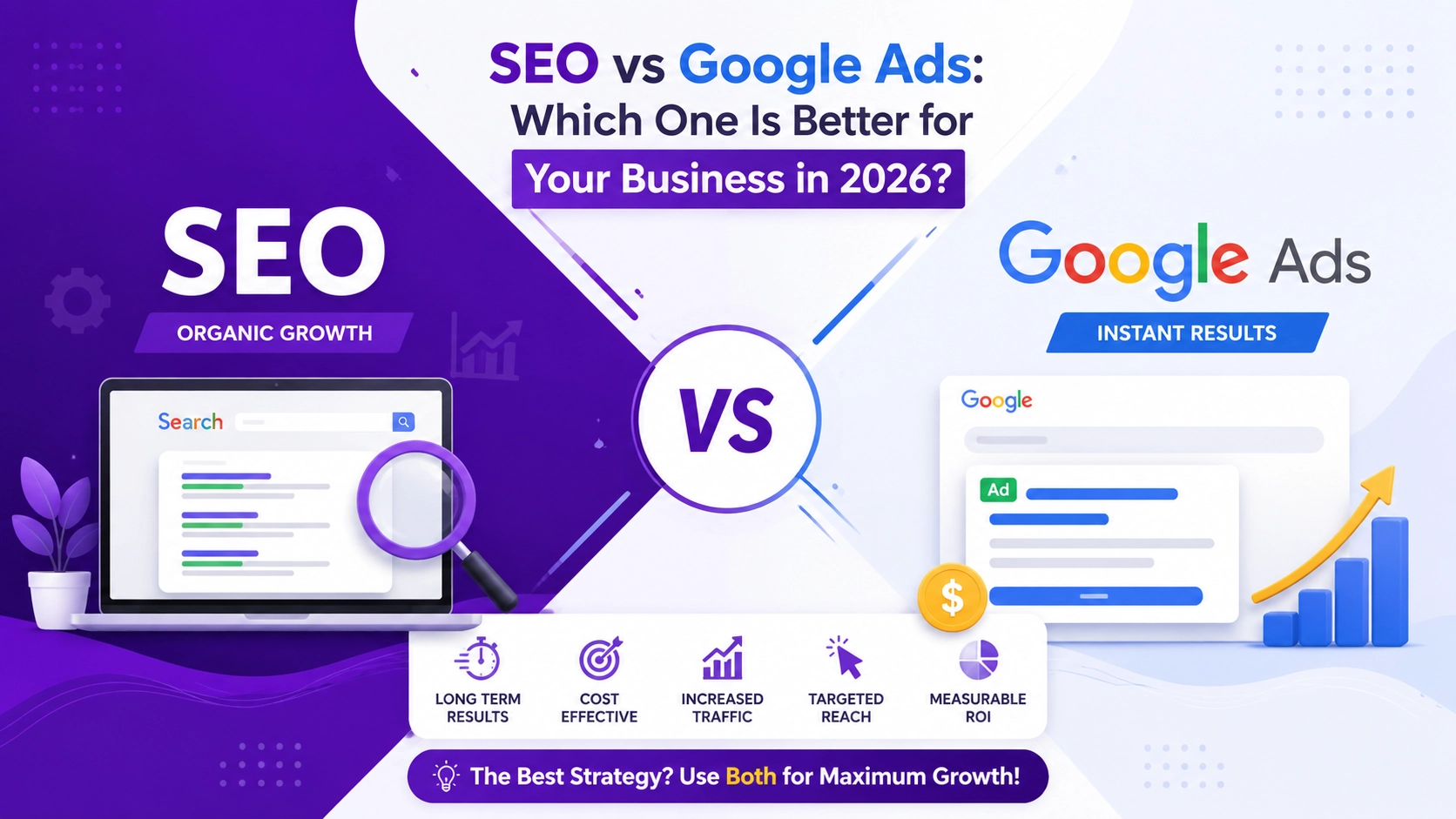
SEO vs Google Ads: Which One Is Better for Your Business in 2026?
Growing a business online has never been more important. Whether you’re a startup, a local business, or an established company,
How to Choose the Right Digital Marketing Strategist in Calicut
Discover how to choose the right Digital Marketing Strategist in Calicut to boost visibility, attract customers, and grow your